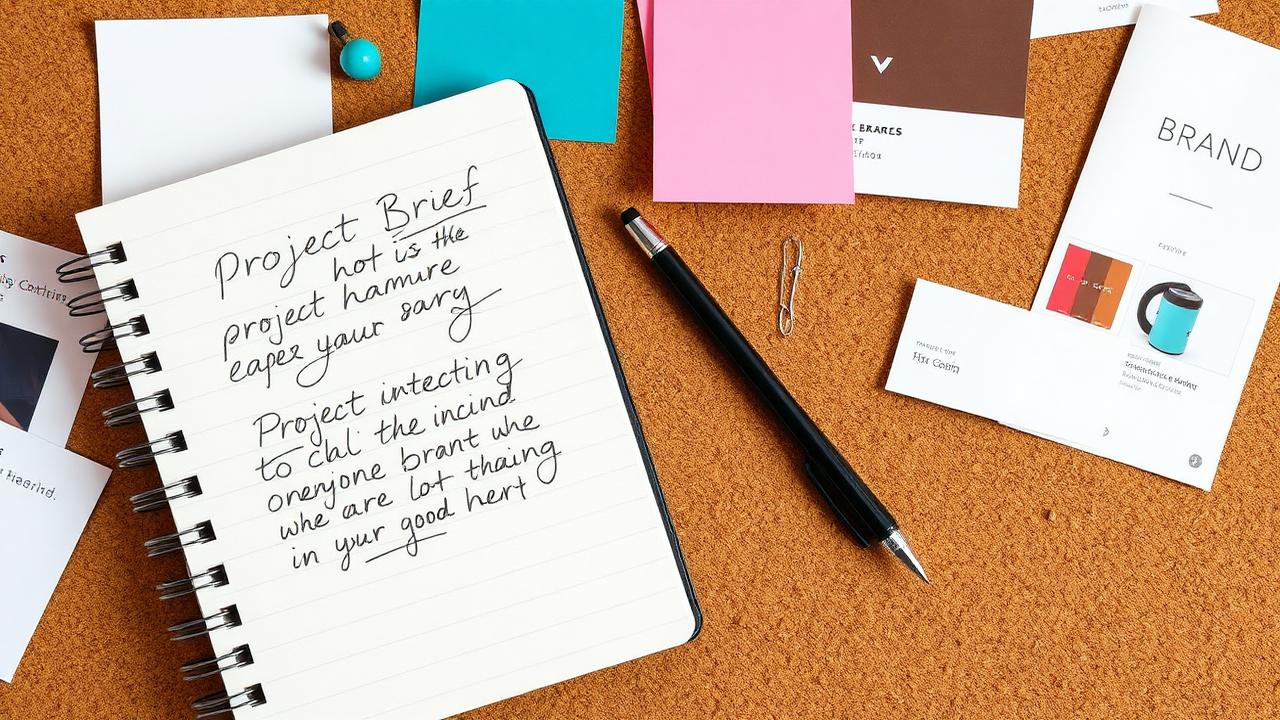
How to Brief a Web Designer: What to Prepare Before You Hire
You've decided to hire a web designer. Exciting! But before you send that first email or jump on a discovery call, there's one thing that will make or break your project: the brief.
A good brief saves time, prevents misunderstandings, keeps costs under control, and dramatically increases the chances of getting a website you love on the first try. A bad brief — or no brief at all — leads to endless revisions, scope creep, and the frustrating feeling that your designer "just doesn't get it."
Why Most Web Projects Go Over Budget or Take Too Long
Here's a pattern I've seen dozens of times: A business owner hires a web designer. They say something like "I need a website for my business." The designer asks a few questions, makes some assumptions, and starts building. Two weeks later, the first draft is revealed and... it's not what the client expected.
Revisions pile up. New requirements emerge. The project that was supposed to take two weeks stretches to two months. The budget doubles. Everyone's frustrated.
The root cause? Poor preparation on both sides, but especially a lack of clarity from the client about what they actually need. This isn't the client's fault — most people have never hired a web designer before. They don't know what information to provide.
That's what this guide is for.
The 7 Things Every Web Designer Needs from You
1. Your Business Description
This sounds obvious, but you'd be surprised how many clients jump straight to design preferences without first explaining what their business actually does. Your designer needs to understand your industry, your products or services, your target market, and what makes you different from competitors. Write 2–3 paragraphs explaining your business as if you're describing it to someone who's never heard of you.
2. Your Target Customer
Who is your ideal customer? Be specific. "Everyone" is not a target customer. Think about demographics (age, location, income level), what problems they have that you solve, where they currently look for solutions, and what would convince them to choose you over alternatives.
The more your designer understands your customer, the better they can design a website that speaks to them. A website for 25-year-old tech professionals looks and feels very different from one for 55-year-old homeowners looking for renovation contractors.
3. Examples of Websites You Like (and Why)
Find 3–5 websites that you admire — they don't need to be in your industry. For each one, note what specifically you like about it. Is it the layout? The color scheme? The photography style? The way information is organized? The tone of the writing?
This gives your designer concrete visual references instead of trying to interpret vague descriptions like "modern" or "professional" (which mean different things to different people).
4. Your Content and Copy
Content is the number one bottleneck in web design projects. Your designer can create a beautiful layout, but they need words and images to fill it. Before you start, prepare your business description and story, service or product descriptions, team bios, contact information, any existing blog posts or articles, and high-resolution photos of your work, team, or products.
If you don't have professional copy, ask your designer if they offer copywriting services. Many do — including WebsitesByWyatt — and it's often worth the investment.
5. Your Logo and Brand Assets
If you have an existing logo, brand colors, or brand guidelines, share them with your designer. These should be in high-resolution format (preferably vector files like SVG or AI).
If you don't have branding yet, that's okay. Many web designers also offer branding services, or you can establish a brand identity as part of your web project.
6. Must-Have Features
Make a list of specific functionality your website needs. Contact form, online booking system, e-commerce/online store, blog section, photo gallery, social media integration, email newsletter signup, or customer testimonials section. Distinguish between "must-haves" and "nice-to-haves." This helps your designer prioritize and provide accurate pricing.
7. Budget and Timeline
Be upfront about your budget. A good designer will work within your constraints and tell you honestly what's achievable at your price point. It's better to know early that your $500 budget won't cover a 20-page e-commerce site than to discover it halfway through the project.
Similarly, be clear about your timeline. Do you need the site live for a specific event or season? Is there flexibility? Rush projects usually cost more, so planning ahead saves money.
How to Write a Simple One-Page Design Brief
You don't need a formal 20-page document. A simple email or document covering these points is perfect:
Business Overview: What do you do? Who are your customers? What makes you different?
Project Goals: What do you want your website to accomplish? (Generate leads? Showcase portfolio? Sell products?)
Target Audience: Who is your ideal visitor? What are they looking for?
Website References: 3–5 sites you like, with notes on what you like about each.
Content Status: Do you have copy ready, or do you need copywriting help?
Features Needed: List of must-haves and nice-to-haves.
Budget & Timeline: Your approximate budget and any deadline constraints.
Design Brief Checklist
Use this checklist to make sure you've covered everything before contacting a designer:
☐ Written business description (2–3 paragraphs)
☐ Target customer profile defined
☐ 3–5 website examples collected with notes
☐ Logo and brand assets gathered (if available)
☐ Website content drafted or copywriter engaged
☐ Must-have features listed
☐ Nice-to-have features listed separately
☐ Budget range established
☐ Timeline and deadlines identified
☐ High-resolution photos collected
What Questions to Ask Before Signing Anything
Before you commit to a designer, ask these questions: What's included in the quoted price? How many rounds of revisions are included? What's the expected timeline from start to launch? Who owns the final website files and code? What happens if I need changes after launch? Do you offer hosting and maintenance, or do I handle that separately? Can I see examples of similar projects you've completed?
A professional designer will answer all of these clearly and confidently. If someone is vague or evasive about pricing and deliverables, consider it a warning sign.
The Bottom Line
Spending an hour or two preparing a proper brief will save you days of revision cycles and thousands of dollars in scope creep. It transforms the web design process from stressful guesswork into a smooth, collaborative experience.
Ready to start your project with a clear plan? Get a free quote from WebsitesByWyatt — I'll walk you through the process and make sure we're aligned before any work begins.
About Wyatt
Wyatt is a Canadian web designer and brand strategist helping small businesses build professional online presences. With a focus on clean design and clear communication, he creates websites that work as hard as you do.